The NoahFace App supports the following languages:
Note that the following languages require version 26.11 or later of the NoahFace App:
The following additional languages are not natively supported, but custom text can be defined in these languages:
The home screen is displayed in a default language, which can be specified using the "language" configuration option in your Access Point Type. For example:
language=fr
Each user in NoahFace has a preferred language, which is automatically synchronized from your HR platform.
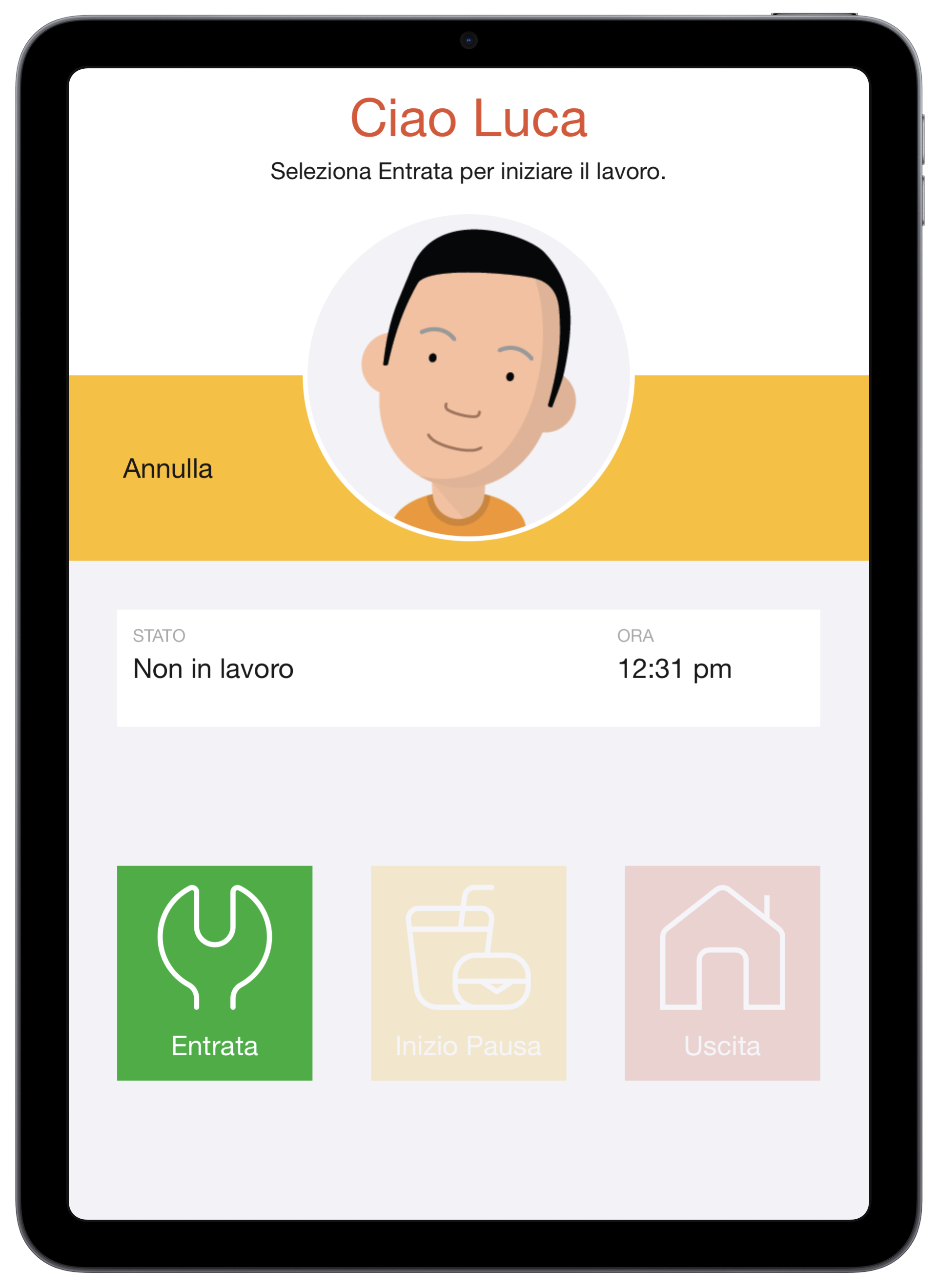
Once a user has been identified, the NoahFace App will display all fixed text in that user's preferred language. For example:
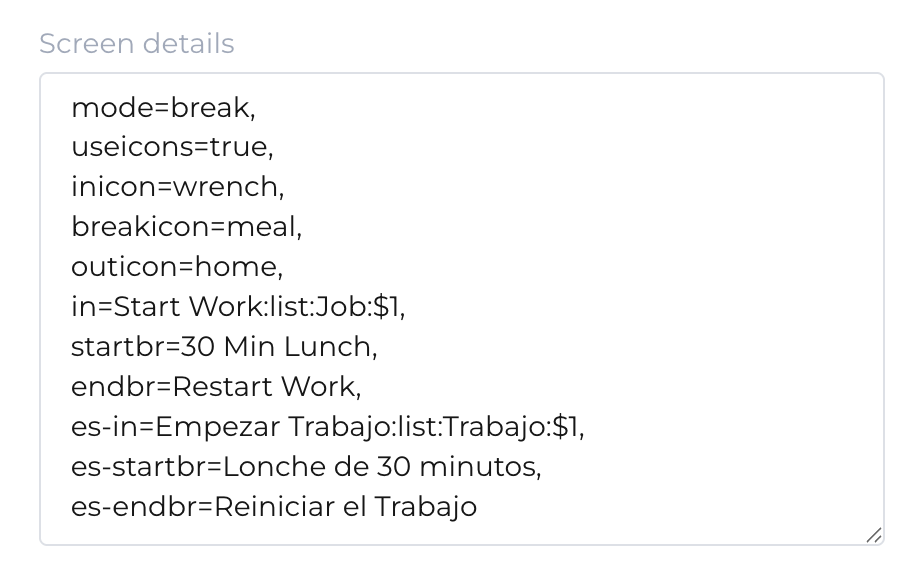
The NoahFace App also supports configurable text, such as button labels and policies, being defined in multiple languages. This can be done by prefixing any configuration option name with the corresponding ISO 639-1 language tag ("es-" for Spanish, "fr-" for French, "de-" for German, "pt-" for Portuguese, "it-" for Italian, "nl-" for Dutch, "zh-" for Chinese, "ja" for Japanese, "ko-" for Korean, "vi-" for Vietnamese, "ht" for Haitian, "sv" for Swedish, "da" for Danish, "no" for Norwegian, "fi" for Finnish, "ru" for Russian, and "ar" for Arabic). For example, to configure the Clock In and Start Break button labels in both English and Spanish, you might specify: